Contents (19 sections)
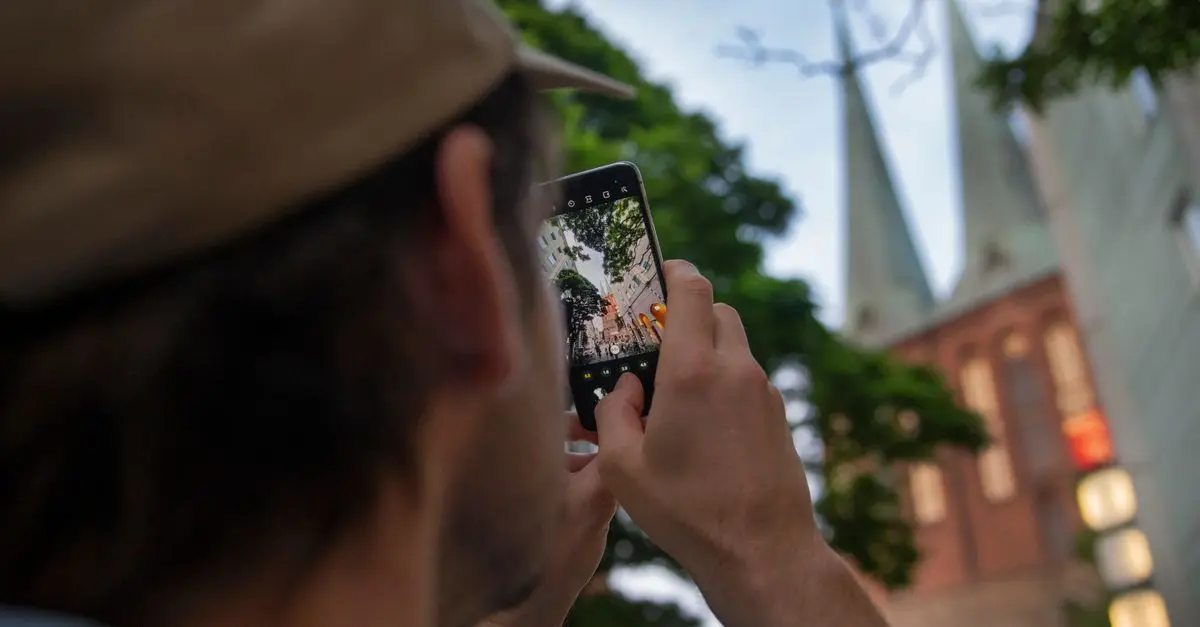
Smartphone photography has transformed the way we capture and share moments. With advancements in technology, today's smartphones are equipped with powerful cameras capable of taking stunning photographs. However, many users struggle to harness their full potential. This guide will equip you with essential tips and techniques to elevate your smartphone photography skills dramatically.
1. Understanding Your Smartphone Camera
Features to Explore
Before diving into photography techniques, it's crucial to understand the features of your smartphone camera. Most modern smartphones come with various modes such as Portrait, Night, and Pro mode, each designed to enhance specific types of shots. For instance, the Portrait mode blurs the background to help your subject stand out, while Night mode optimises low-light conditions.
Familiarise yourself with these features through experimentation. Take photos in different lighting conditions and with various settings to see how each affects your shots. Drones and other advanced tools have proven to amplify outdoor photography, so consider integrating them into your approach as you progress.
Key Settings to Master
Additionally, don't overlook settings like exposure, ISO, and focus. Exposure controls how much light the camera sensor receives, while ISO adjusts the camera's sensitivity to light. Understanding these three components—often referred to as the exposure triangle—is fundamental to mastering photography, as it allows you to capture images more creatively.
2. Composition Techniques for Stunning Shots
Rule of Thirds
Once you're familiar with your camera settings, the next step is mastering composition. The Rule of Thirds is a fundamental principle that suggests dividing your frame into a 3x3 grid. Positioning key elements along these lines or intersections can lead to a more dynamic and engaging composition.
Leading Lines and Framing
Experiment with leading lines—these are natural lines that draw the viewer’s eye into the scene. Roads, fences, or even rivers can serve this purpose. Additionally, consider framing your subject using elements in your environment, such as trees or doorways, which can create depth and focus in your photos.

YN128 Camera Photo Video 128 LED Ring Light 3200K-5500K Photography Dimmable Ring Lamp For Smartphone
Alibaba UK


StarTech.com USB 3.0 Memory Card Reader/Writer for SD and microSD Cards - USB-C and USB-A
Back to the Office
3. Mastering Light and Colour
Harnessing Natural Light
One key aspect of photography that many overlook is light. It's essential to understand how to harness natural light. The golden hours—shortly after dawn and before dusk—provide the best lighting for photography, resulting in warmer tones and softer shadows. Aim to shoot during these times. If you're shooting in harsh sunlight, look for shaded areas or use reflectors to soften the light and avoid overexposed images.
Colour Theory
Understanding colour theory can also enhance your images. Colours evoke emotions, so consider their impact while composing your shot. Contrast can draw attention to your focal points, while harmonious colours can create a soothing visual experience. Play with different angles and perspectives to find the most pleasing combination.
4. Experimenting with Editing Apps
Try Various Tools
Editing is as important as the shooting process. Numerous apps can help enhance your smartphone pictures post-capture. Tools like Adobe Lightroom, Snapseed, and VSCO offer robust editing features that allow you to adjust exposure, contrast, saturation, and sharpness effectively.
Be Mindful of Overediting
However, beware of overediting; subtle enhancements often result in the best images. Make minor adjustments to bring the focus back on your subject without compromising its integrity or making it look artificial. Always review your edits after a brief hiatus to let your eyes adjust before finalising them.
5. Practising and Gaining Feedback
Consistency is Key
Like any other skill, consistency is vital when it comes to improving your smartphone photography. Make an effort to practise regularly and experiment with different styles and subjects. Join online photography communities, where you can share your work and receive constructive feedback from peers.
Embrace Criticism
Receiving feedback can be challenging, but it's essential for growth. Embrace criticism as an opportunity to learn and improve. Apply the feedback to your next photographic venture and watch your skills evolve over time.
📺 Resources to Explore
> 📺 For further insights: How to Take Amazing Photos Using Your Smartphone, a deep dive into smartphone photography basics. Search on YouTube: smartphone photography tips 2026.


Verbatim SnapBack Ultra Slim SSD 512GB USB Type-C USB 3.2 Gen 2x2 Black
Back to the Office

Verbatim SnapBack Ultra Slim SSD 1TB USB Type-C USB 3.2 Gen 2x2 Black
Back to the Office
Checklist for Improving Smartphone Photography Skills
- [ ] Familiarise with your camera settings and modes.
- [ ] Master the Rule of Thirds and composition techniques.
- [ ] Experiment with natural lighting and understand colour effects.
- [ ] Explore editing apps and maintain a subtle approach.
- [ ] Practise consistently and seek constructive feedback.
Glossaire
| Terme | Définition |
|---|---|
| Aperture | L'ouverture dans l'objectif par laquelle la lumière entre dans l'appareil photo. Un réglage important pour contrôler la profondeur de champ. |
| ISO | Une mesure de la sensibilité du capteur de l'appareil photo à la lumière. Une valeur élevée permet de prendre des photos dans des conditions de faible luminosité. |
| Exposition | La quantité de lumière qui atteint le capteur de l'appareil photo, contrôlée par l'ouverture, la vitesse d'obturation et la valeur ISO. |
---
📺 Pour aller plus loin : smartphone photography tips 2026 sur YouTube
Recommended products
Selected by our experts

Verbatim SnapBack Ultra Slim SSD 2TB USB Type-C USB 3.2 Gen 2x2 Black
Back to the Office