Contents (20 sections)
Smartphones have evolved into essential tools in our everyday lives, not just for communication but for an array of tasks that enhance productivity and personal enjoyment. Despite the plethora of features available, many users underutilise their devices due to a lack of understanding or familiarity. This guide aims to illuminate how you can make the most of your smartphone's features, transforming it from a simple communication device to a powerful asset in daily life.
1. Understanding Smartphone Features
What Are Smartphone Features?
Smartphone features refer to the various functions your device can perform, ranging from basic tasks like calling and texting to advanced capabilities such as gaming, photography, and assembly of smart home control. Understanding these features is crucial as it allows users to enhance their productivity and customise their experience. According to Statista, as of 2026, 97% of the UK population owns a smartphone, indicating a significant reliance on these devices for various daily functions.
Why Utilise Your Smartphone's Features?
Utilising the built-in features of your smartphone can save time, simplify tasks, and significantly improve your quality of life. Whether you're managing your schedule, navigating to new places, or capturing important moments with high-quality photography, maximising these capabilities is key. Ignoring these functions means missing out on potential time savings and efficiency boosts. In fact, a study by Pew Research Centre found that users who actively harness their smartphone's capabilities report higher satisfaction and productivity levels.
2. Step-by-Step Guide to Maximising Your Smartphone's Features
Step 1: Customising Your Home Screen
Your smartphone's home screen is the first point of interaction you have with your device. To customise it effectively, start by organising your apps into folders based on usage categories—games, social media, productivity, etc. This not only declutters the screen but also enhances your efficiency by allowing quick access to frequently used applications. Additionally, consider using widgets for personalised information at a glance, such as weather updates, calendar events, or news headlines. Setting up a streamlined home screen can lead to better focus and time management.
Step 2: Exploring Settings and Personalisation Options
Diving deep into the settings menu is perhaps the best way to improve your smartphone experience. From adjusting display settings to altering sound preferences, personalisation options abound. Enabling features like ‘Night Mode’ can significantly reduce eye strain, especially when using the phone in low-light conditions. Many smartphones also feature options to enhance security, such as biometric authentication (fingerprint scanning or facial recognition), which ensures your data remains safe.
Step 3: Harnessing Photography Tools
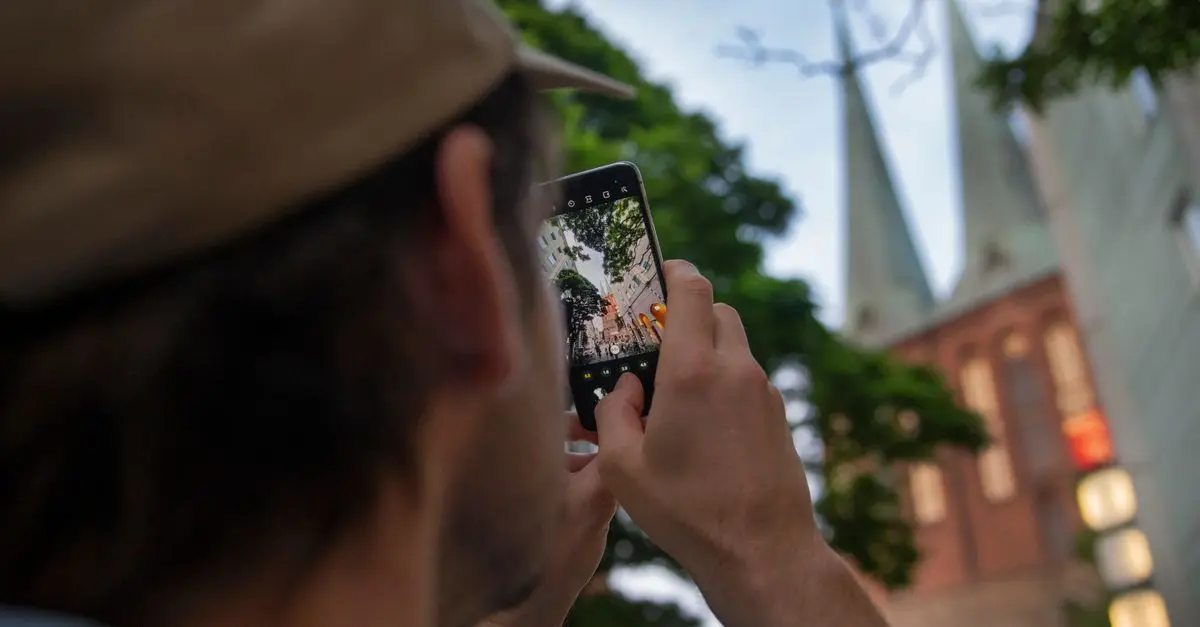
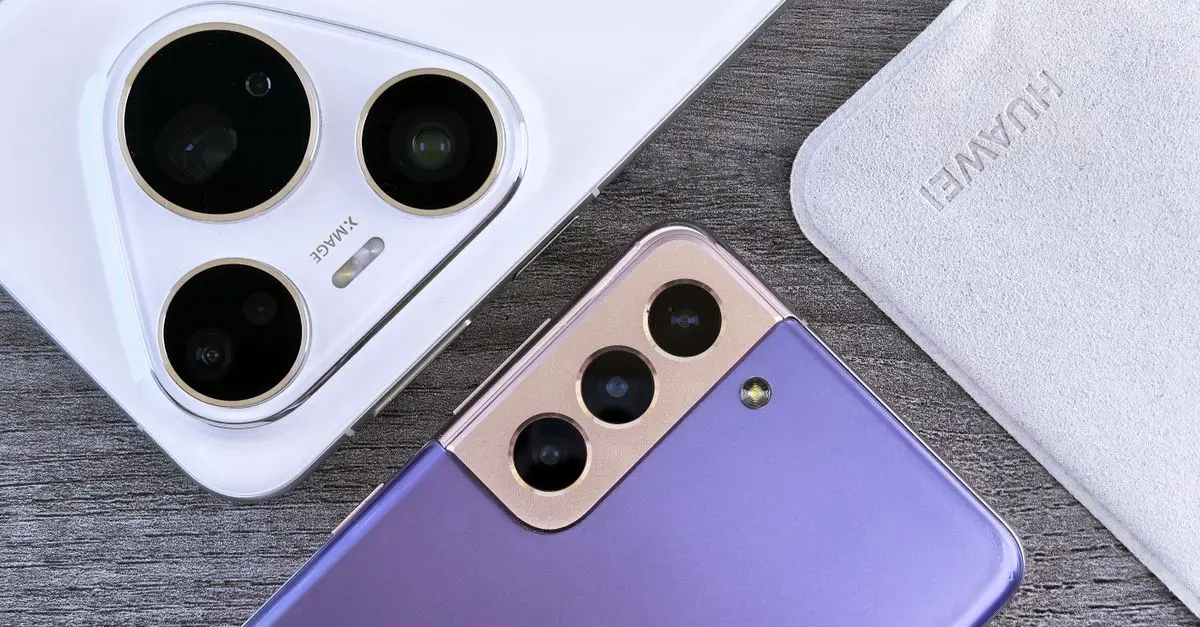
Modern smartphones come equipped with powerful cameras. Learn how to use features like HDR (High Dynamic Range), night mode, or manual controls to take stunning images. Familiarise yourself with composition rules, such as the rule of thirds, which can help improve the quality of your photos. Social media platforms highly value appealing visual content; thus, enhancing your photography skills using your smartphone can prove advantageous for both personal and professional branding. Additionally, explore editing apps to refine your images post-capture, ensuring they are polished and ready for sharing.
Step 4: Downloading and Utilising Apps for Productivity
From note-taking to task management, a plethora of apps available can transform your smartphone into a productivity powerhouse. Google Keep, Evernote, and Todoist are notable mentions that can assist in organising thoughts and reminders effectively. Engaging with productivity apps ensures that you never miss essential tasks and can maintain your schedule seamlessly. Take the time to regularly review and update your apps to ensure you’re utilising the best tools available.
Step 5: Leveraging Connectivity Features
Smartphones are equipped with various connectivity features, including Bluetooth, NFC (Near Field Communication), and Wi-Fi Direct. Learn how to use Bluetooth for seamless audio streaming or transferring files between devices. NFC enables contactless payment systems that are not merely convenient but increasingly necessary, especially in a post-pandemic world. Incorporating these technologies into your daily routine can enhance efficiency and convenience significantly.


Comparison of Common Smartphone Features
| Feature | Description | Benefits | Common Mistakes |
|---|---|---|---|
| Camera | High-quality imaging capabilities | Professional-like photos using mobile devices | Overexposure, bad lighting during capture |
| Voice Assistant | Voice-activated assistance | Hands-free operation for tasks | Ignoring commands, not customising settings |
| App Ecosystem | Wide variety of downloadable applications | Increased functionality and customisation | Not exploring all available options |
| Security Options | Biometric authentication | Enhanced data protection | Using simple passwords, ignoring updates |
3. Key Statistics on Smartphone Utilisation
Understanding how people are utilising their smartphones can give insights into broader trends. For instance, Deloitte indicated that, as of 2026, approximately 73% of users rely on their smartphones for online shopping—a figure that highlights the importance of security and ease of access. Additionally, a survey from O2 revealed that around 61% of smartphone users use their devices for health tracking, showcasing the versatility of smartphone features beyond typical usage scenarios. This data underscores the need to fully utilise all that smartphones have to offer, making daily tasks smoother and more efficient.
4. Frequently Asked Questions
Q: How can I improve my smartphone’s battery life?
A: You can enhance battery life by adjusting settings such as reducing screen brightness, disabling location services when unnecessary, and closing unused applications running in the background.
Q: What should I look for in productivity apps?
A: Look for apps that are user-friendly, allow collaboration, and offer reminders or notifications to keep you organised.
Q: Are there security measures I should enable on my smartphone?
A: Yes, always enable two-factor authentication, use biometric locks, and regularly update your software to protect against vulnerabilities.
Q: How can I learn more about my smartphone's capabilities?
A: Explore your device’s user guide, check online forums, or watch tutorial videos on platforms like YouTube for insights from experienced users.
Glossary
| Term | Definition |
|---|---|
| NFC | Near Field Communication, a feature allowing short-range communication between devices, typically used for contactless payments. |
| HDR | High Dynamic Range photography, enhancing images by adjusting the contrast and brightness levels for a realistic effect. |
| Biometric Security | Security features that use unique physical characteristics such as fingerprints or facial recognition to authenticate users. |


Checklist Before Buying a Smartphone
- [ ] Determine your primary usage needs (gaming, photography, apps)
- [ ] Compare prices from multiple retailers
- [ ] Check for compatibility with your preferred apps
- [ ] Review customer feedback on battery life
- [ ] Verify the model's software update history
🧠 Quick Quiz: How many features do you think your smartphone has?
- A) 10-20
- B) 20-50
- C) 50+
Answer: C — Many smartphones today boast 50 or more features designed to assist you in various tasks.
📺 For further exploration: Explore Essential Smartphone Features for Your Daily Life, diving deeper into the capabilities that smartphones can offer. Search on YouTube: "how to make the most of smartphone features".
📺 Pour aller plus loin : how to make the most of smartphone features sur YouTube
Recommended products
Selected by our experts


StarTech.com 0.3m (1ft) Short High Speed HDMI Cable - Ultra HD 4k x 2k HDMI Cable - HDMI to HDMI M/M
Back to the Office

StarTech.com USB 3.0 Memory Card Reader/Writer for SD and microSD Cards - USB-C and USB-A
Back to the Office


StarTech.com Dual-port USB wall charger - international travel - 17W/3.4A - white
Back to the Office