Contents (6 sections)
Mobile security is an increasingly crucial aspect of our lives, as we rely heavily on smartphones and tablets for both personal and professional use. With the growing number of mobile threats—such as malware, phishing attacks, and data breaches—it's essential to understand how to safeguard your devices. In this article, we will explore what mobile security entails, why it matters, and provide actionable recommendations to enhance your device's protection in today’s digital landscape.
What is Mobile Security?
Mobile security refers to the measures taken to secure mobile devices, such as smartphones and tablets, from various threats. It encompasses a wide range of practices and technologies designed to protect sensitive data, ensure privacy, and prevent unauthorised access. According to a report by Statista in 2026, the global mobile security market is projected to reach $16.9 billion, reflecting the increasing focus on safeguarding mobile platforms.
The fundamental components of mobile security include device management, data encryption, application security, and network security. Enterprises often implement comprehensive mobile device management (MDM) solutions to enforce security policies and ensure that corporate data is protected. Consumers should also be proactive in securing their devices by using strong authentication methods, avoiding suspicious applications, and regularly updating their operating systems.
How to Enhance Your Mobile Security: Step-by-Step Guide
To protect your mobile devices effectively, follow this step-by-step guide:
- Update Your Device Regularly: Ensure your operating system and applications are updated to the latest versions. Updates often include patches for security vulnerabilities, making them essential for protecting against threats.
- Use Strong Passwords: Implement strong, unique passwords for your device and applications. Consider using a password manager to manage your passwords securely.
- Enable Two-Factor Authentication (2FA): Whenever possible, enable 2FA for an added layer of security. This may include receiving a text message with a verification code in addition to your password.
- Install Trusted Applications Only: Download apps only from reputable sources, such as the Google Play Store or the Apple App Store. Research apps by checking user reviews and ratings.
- Use a Mobile Security Application: Consider using a mobile security app that provides features like anti-malware, app scanning, and secure browsing.
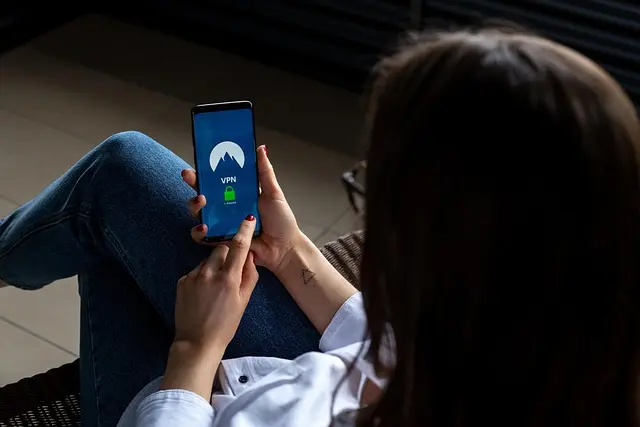
- Be Cautious with Public Wi-Fi: Avoid accessing sensitive information while connected to public Wi-Fi networks. If necessary, use a Virtual Private Network (VPN) to encrypt your connection.
By implementing these steps, you can significantly reduce the risk of mobile security threats and maintain the safety of your data.


StarTech.com 4-Port Thunderbolt 5 Hub with Thunderbolt Share KVM, 80/120Gbps, 8K Multi-Display, 140W PD, USB-A 10Gbps, TB4 & USB4, MacBook M4 Pro M4
Back to the Office
Comparing Mobile Security Solutions
It's essential to assess various security solutions to determine the best fit for your needs. Below is a comparison of popular mobile security solutions based on their key features:
| Security Solution | Anti-Malware | VPN | Parental Control | Password Manager |
|---|---|---|---|---|
| Solution A | Yes | No | Yes | Yes |
| Solution B | Yes | Yes | No | Yes |
| Solution C | No | No | Yes | Yes |
From this comparison, we see that different solutions offer varying features that cater to specific needs. Choosing the right solution depends on prioritising which aspects of security are most vital for you, be it anti-malware protection, VPN access, or parental controls.
The Importance of Data Encryption
Data encryption is a vital aspect of mobile security as it protects sensitive information stored on your device. When data is encrypted, it becomes unreadable without the appropriate key or password, which significantly reduces the risk of data breaches if devices are lost or stolen. In 2026, studies conducted by Cybersecurity Ventures revealed that over 70% of data breaches involve unencrypted data. Therefore, mobile users should always enable encryption settings on their devices where applicable.
To encrypt your device, navigate to your device settings. On Android, you can find the encryption setting under Security > Encrypt phone; on iOS, your device is encrypted by default when you set a passcode. Regularly backing up your data is also recommended to safeguard against loss in case of a breach.
Expert Insights on Mobile Security
> 💡 Expert Opinion: _According to cybersecurity expert James Allworth,
📺 Pour aller plus loin : mobile security best practices 2026 sur YouTube
Recommended products
Selected by our experts



